Guests request services from their phone
Pick a service and a time, then see when it’s confirmed.
30 days free. No credit card required.
From the catalog to confirmed
Guests ask for what they want in a minute, and always know where it stands.
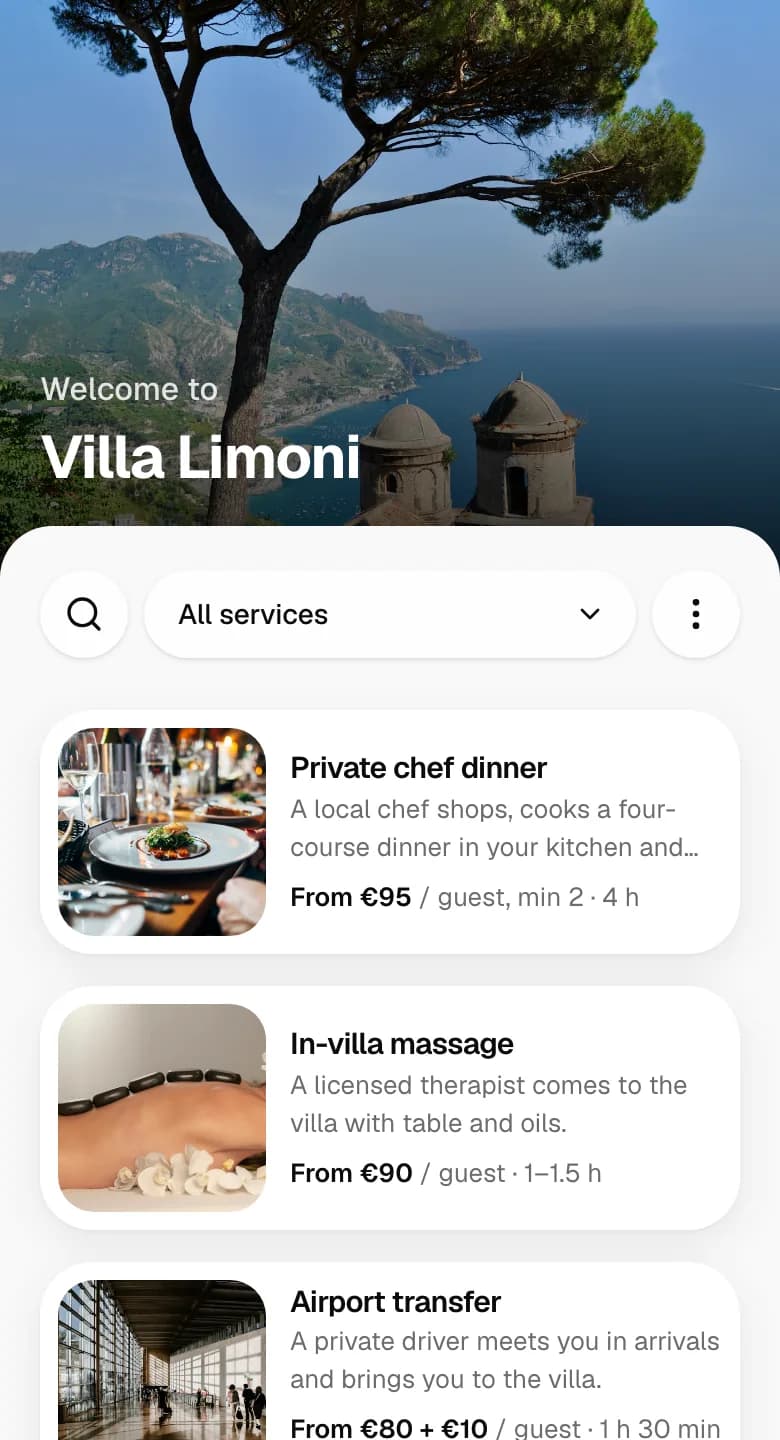
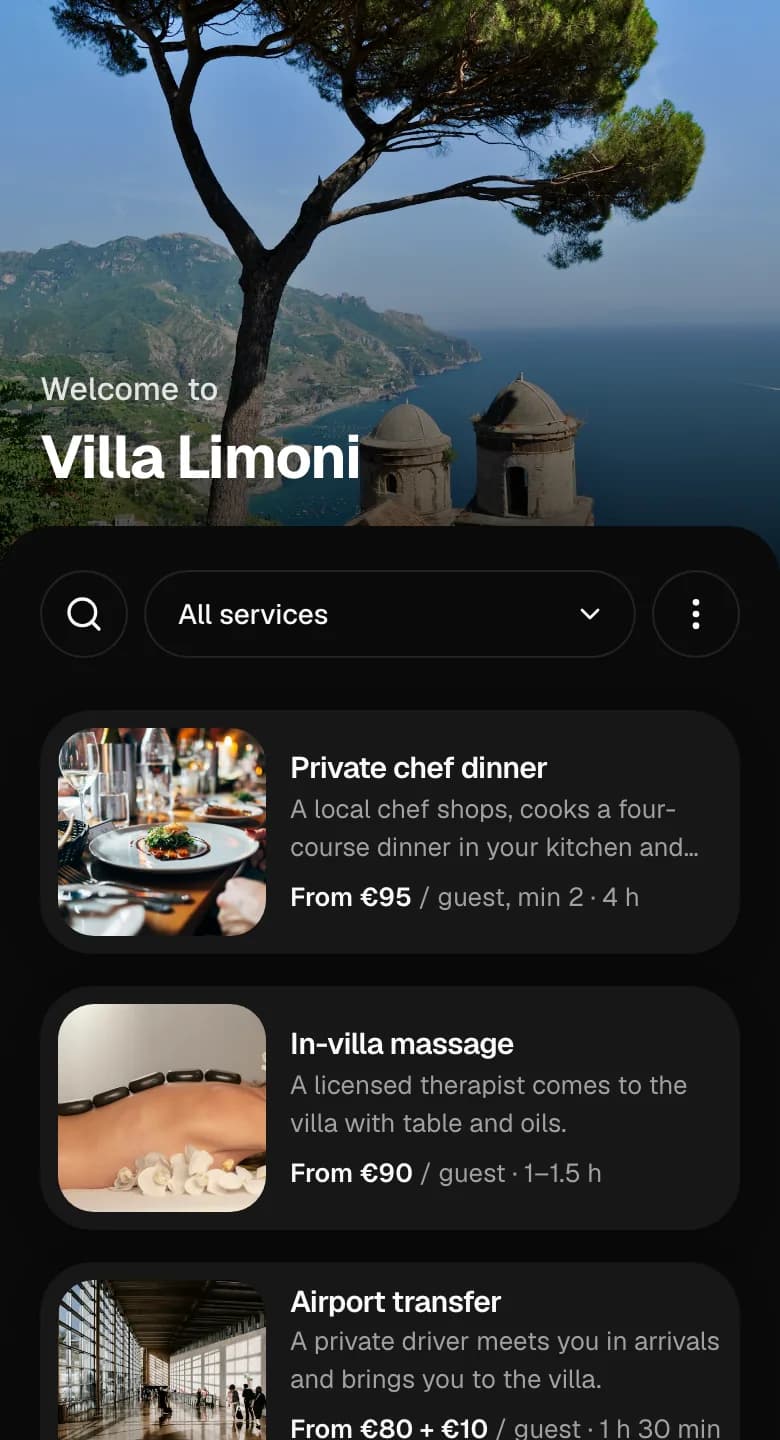
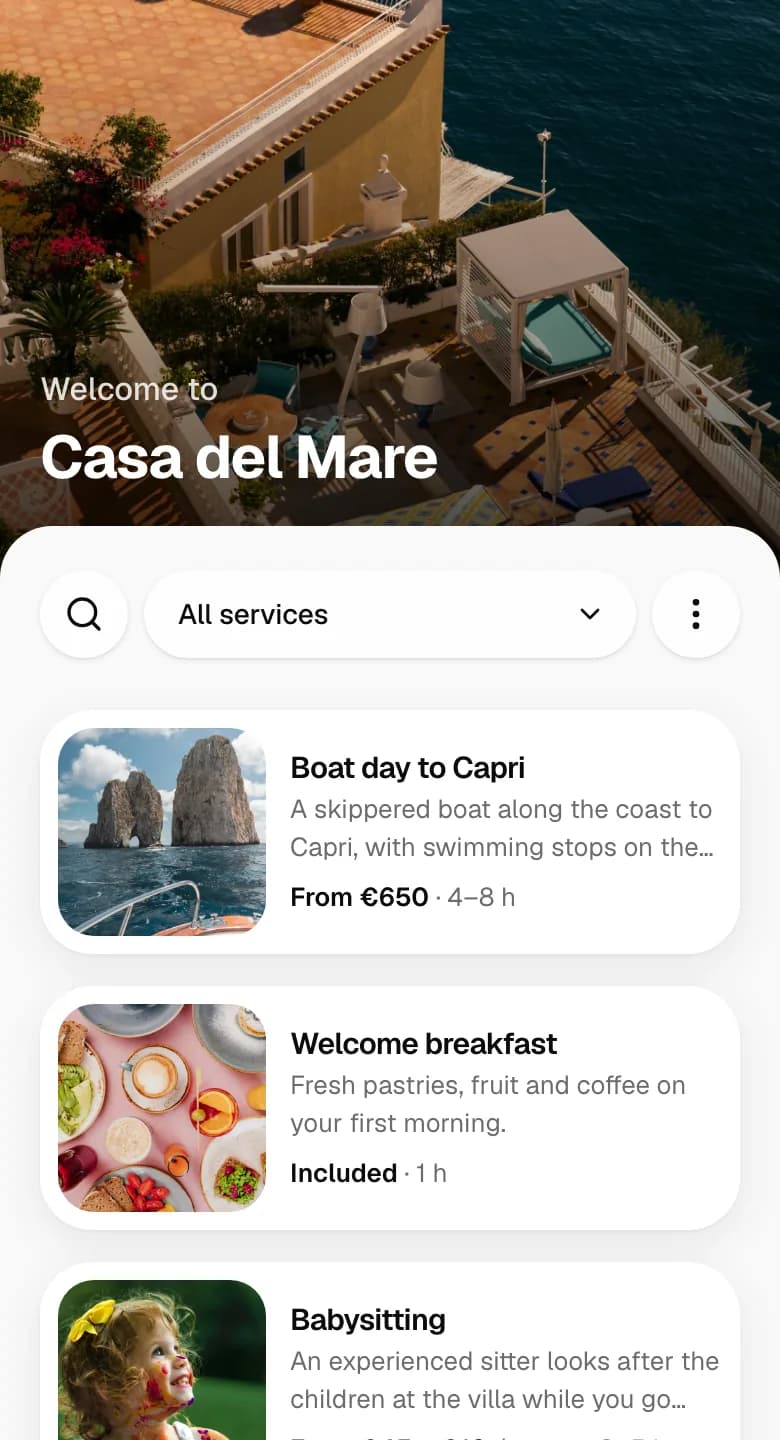
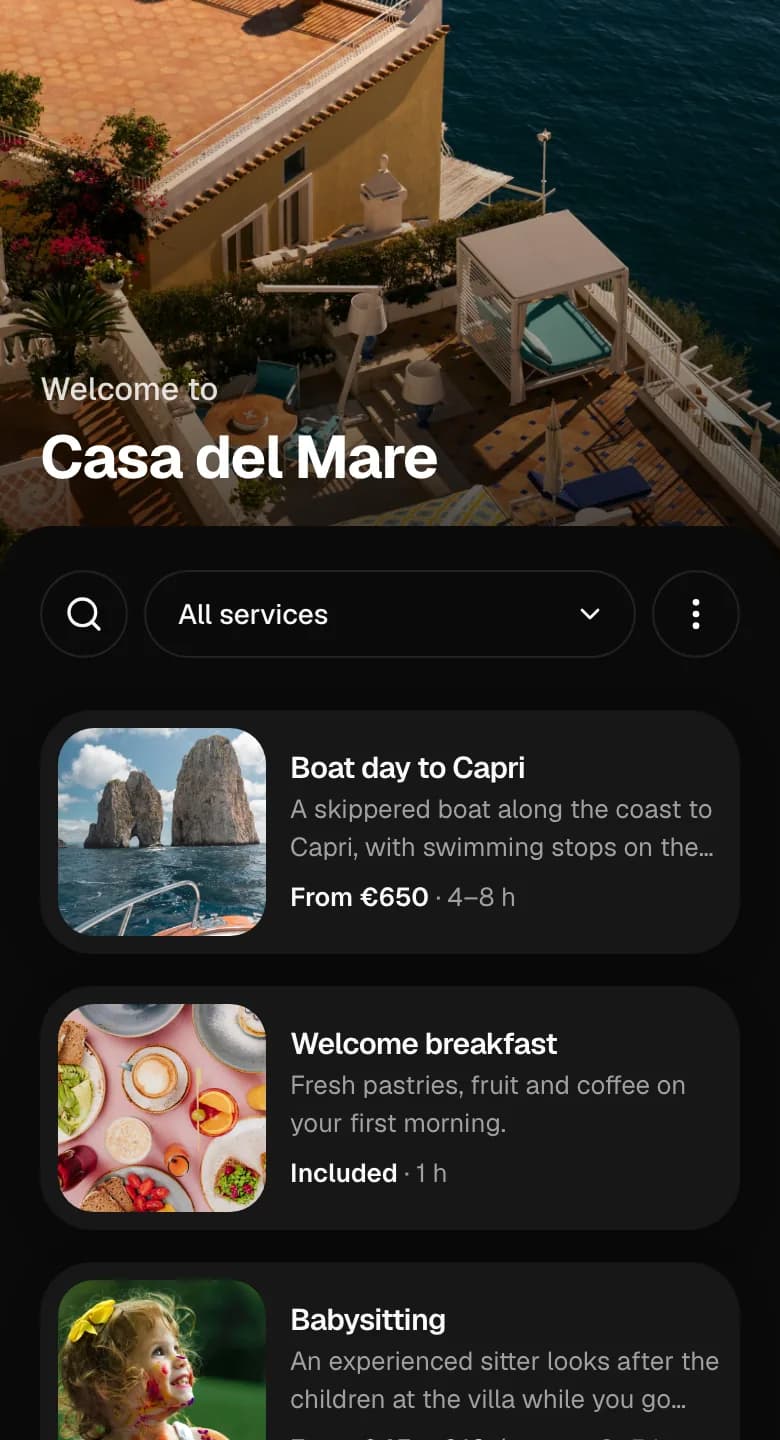
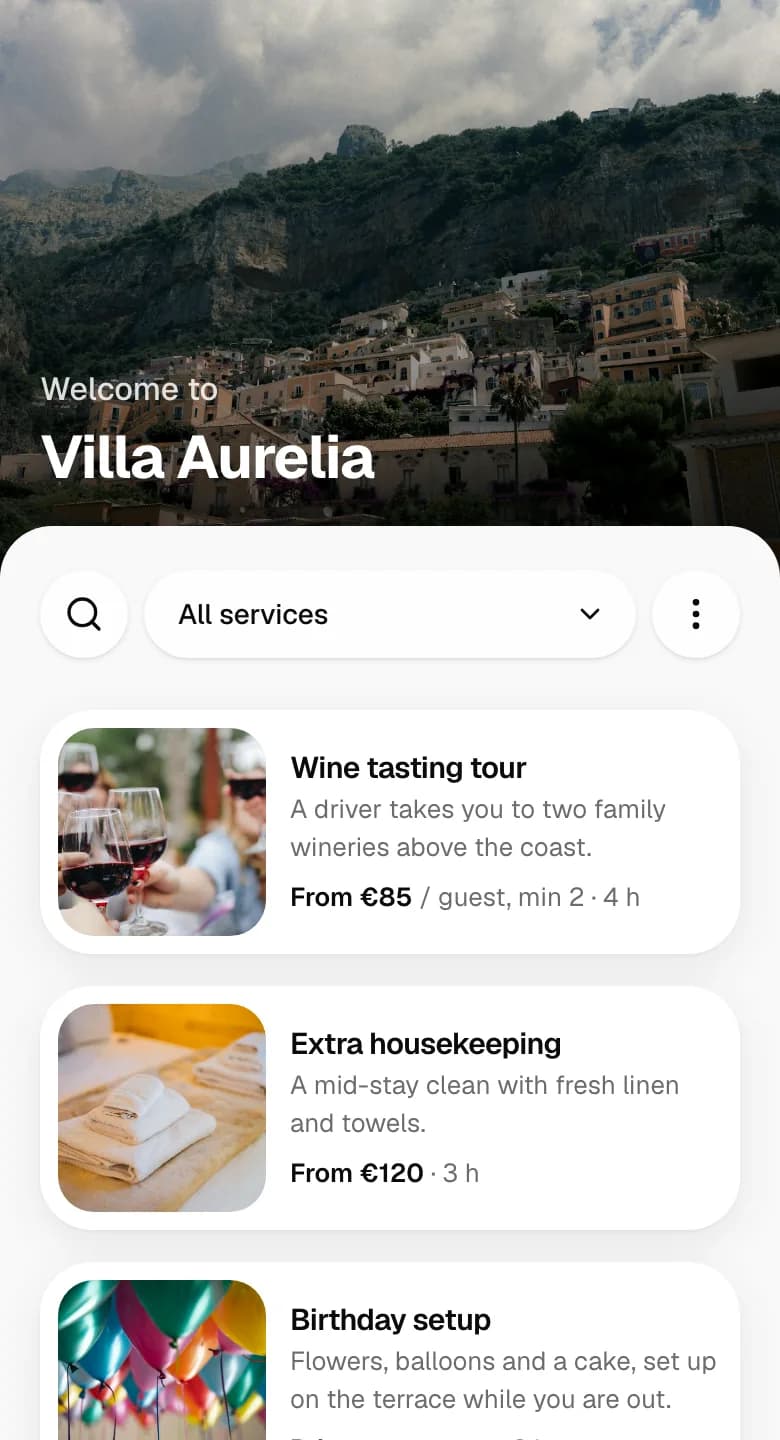
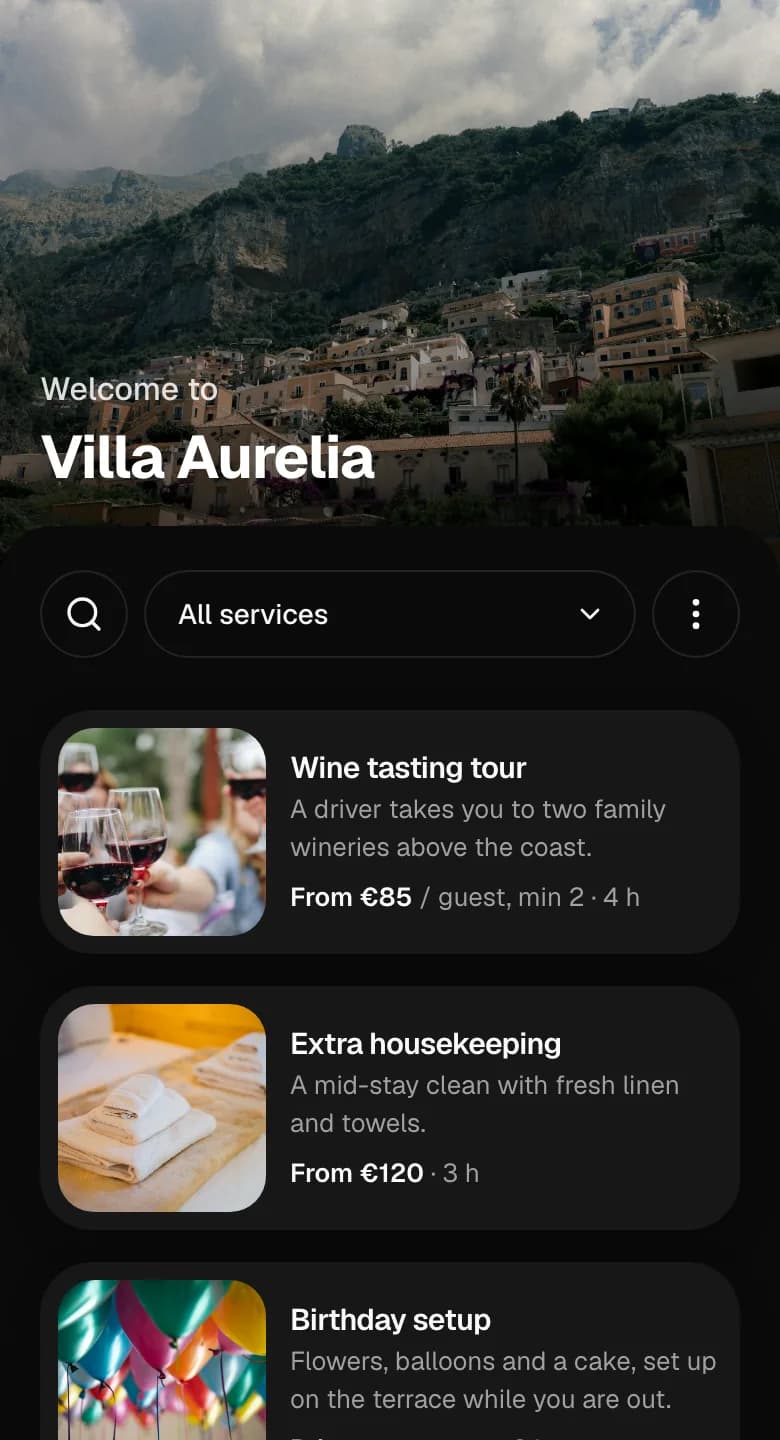
Your catalog, on their phone
Every property gets its own page with your services, photos and prices. Guests open it from a link you send or the QR code in the property.
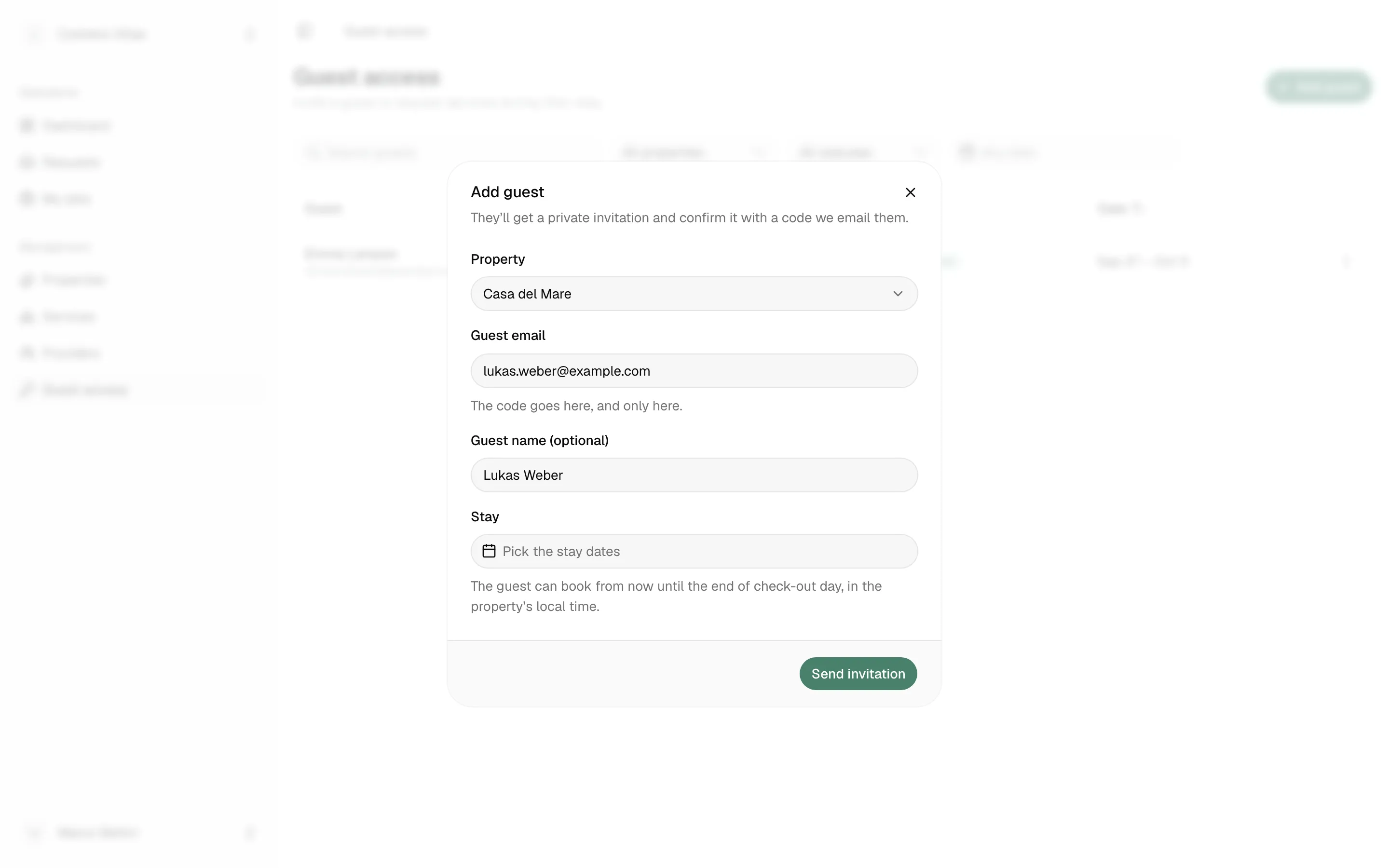
Invite guests for their stay
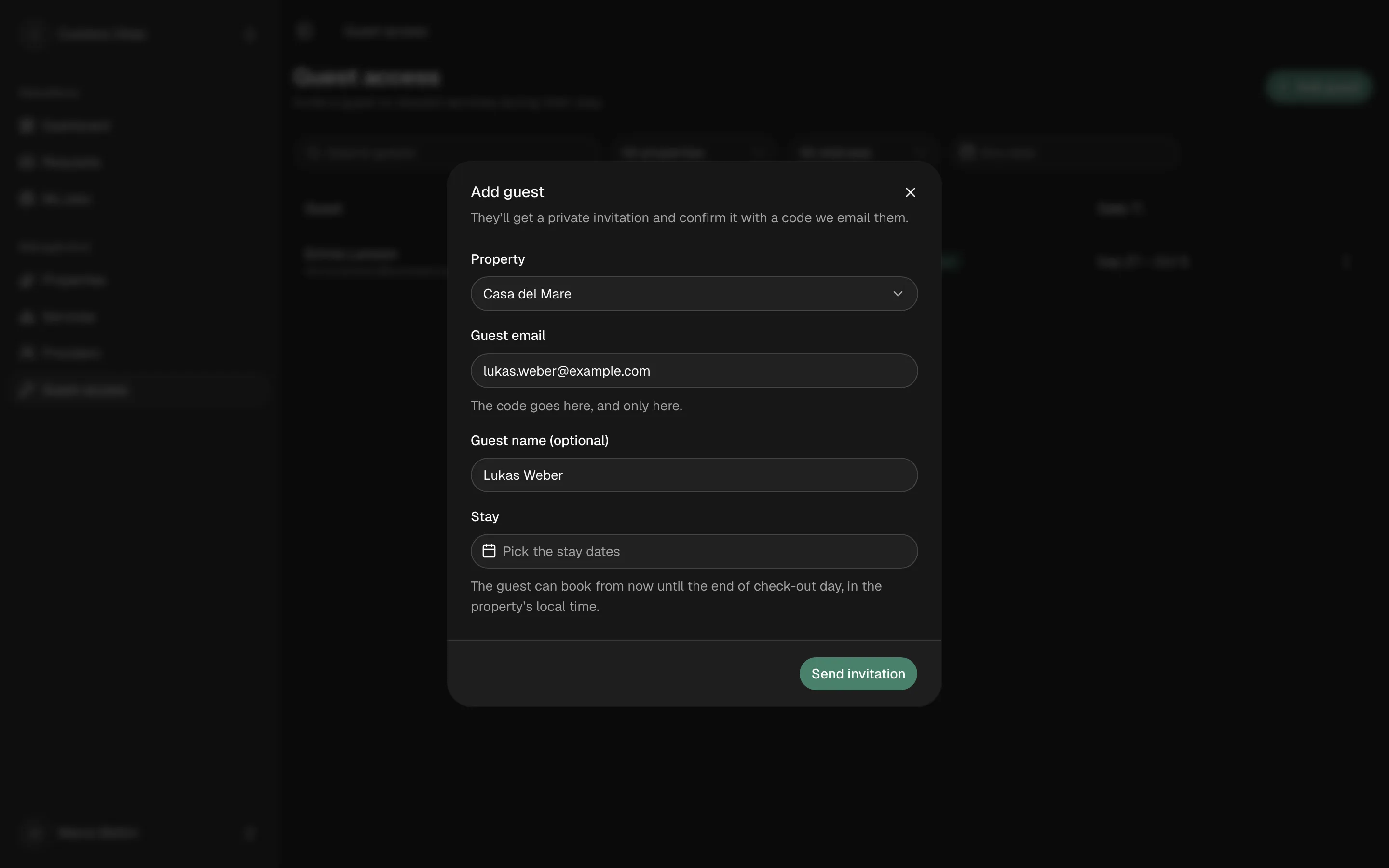
Add a guest with their email and stay dates. They get a private invitation and can request for exactly that stay, until it ends or you end it.
Prices and extras, up front
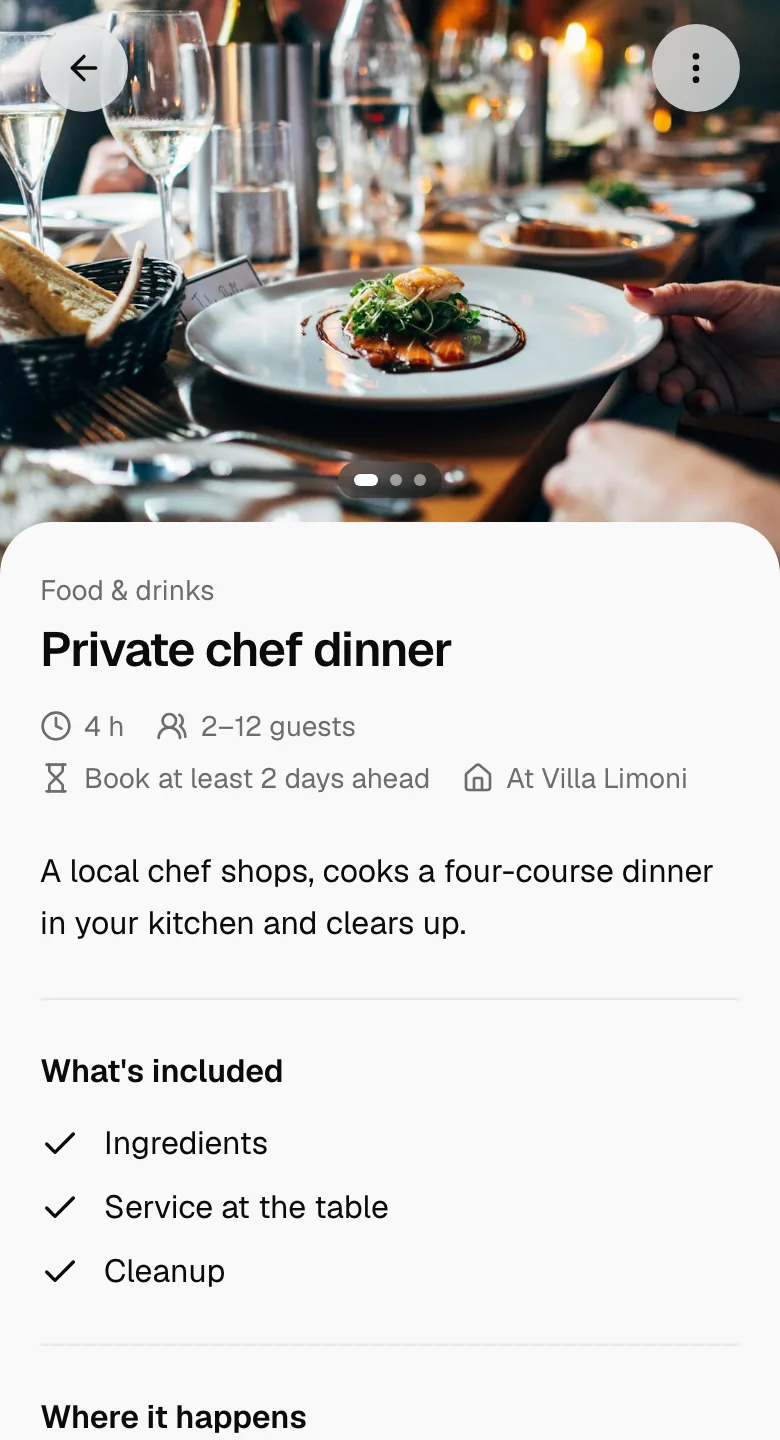
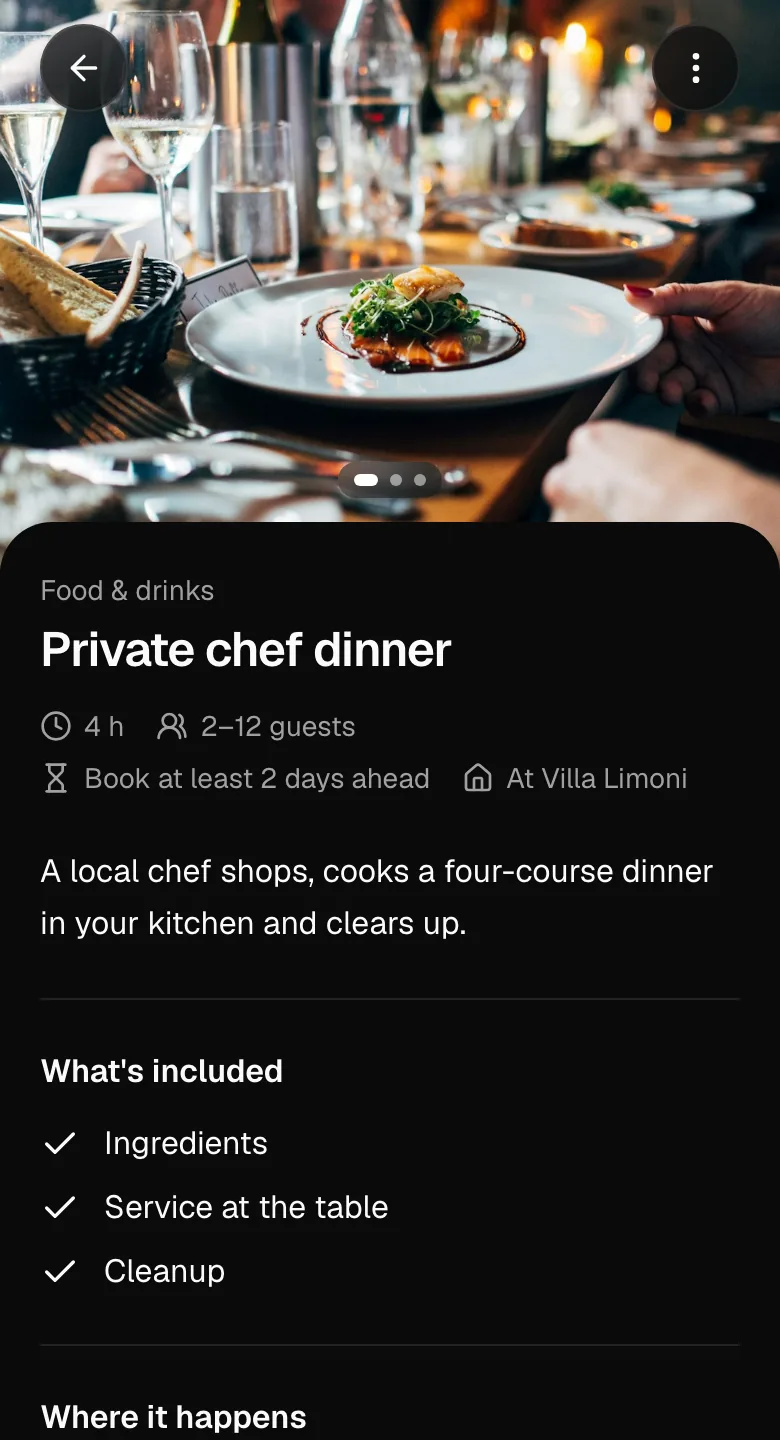
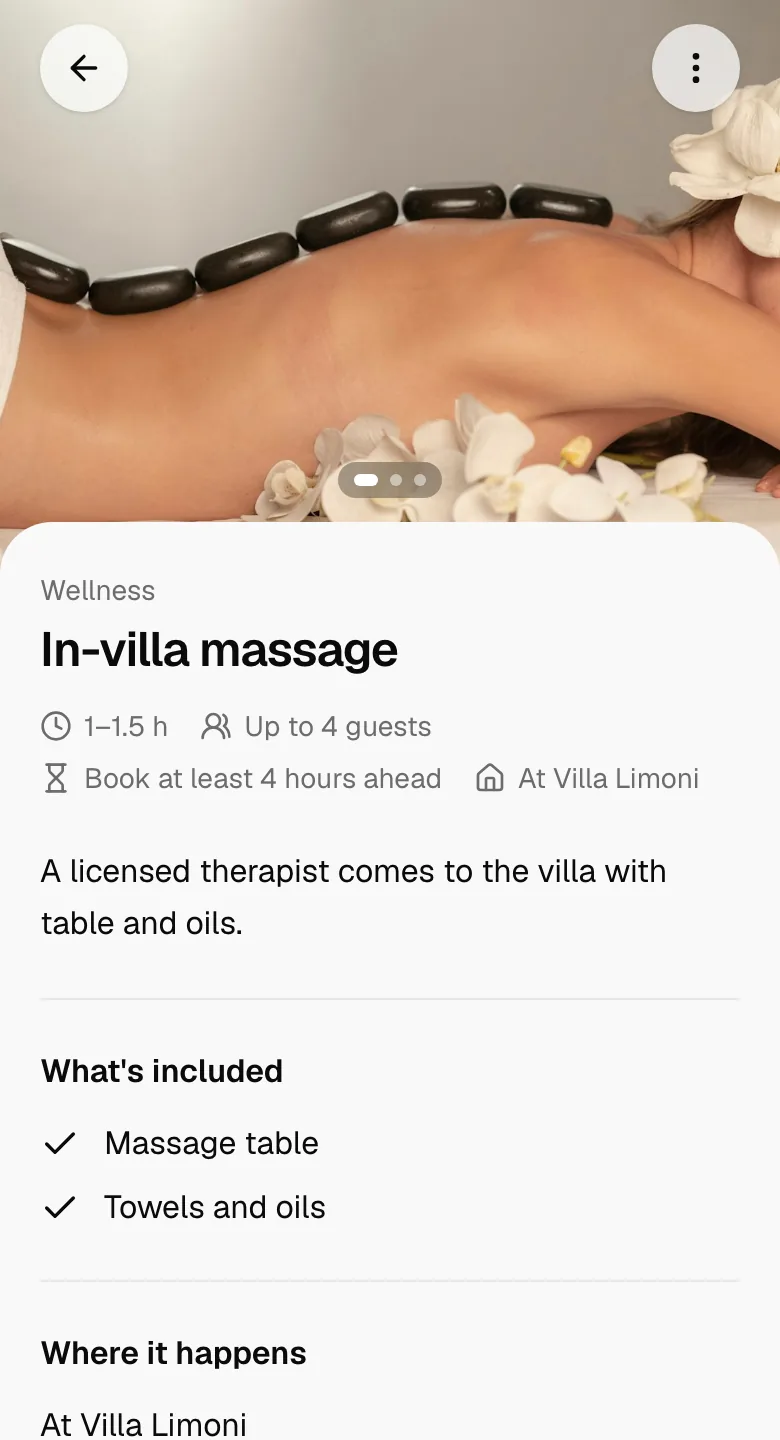
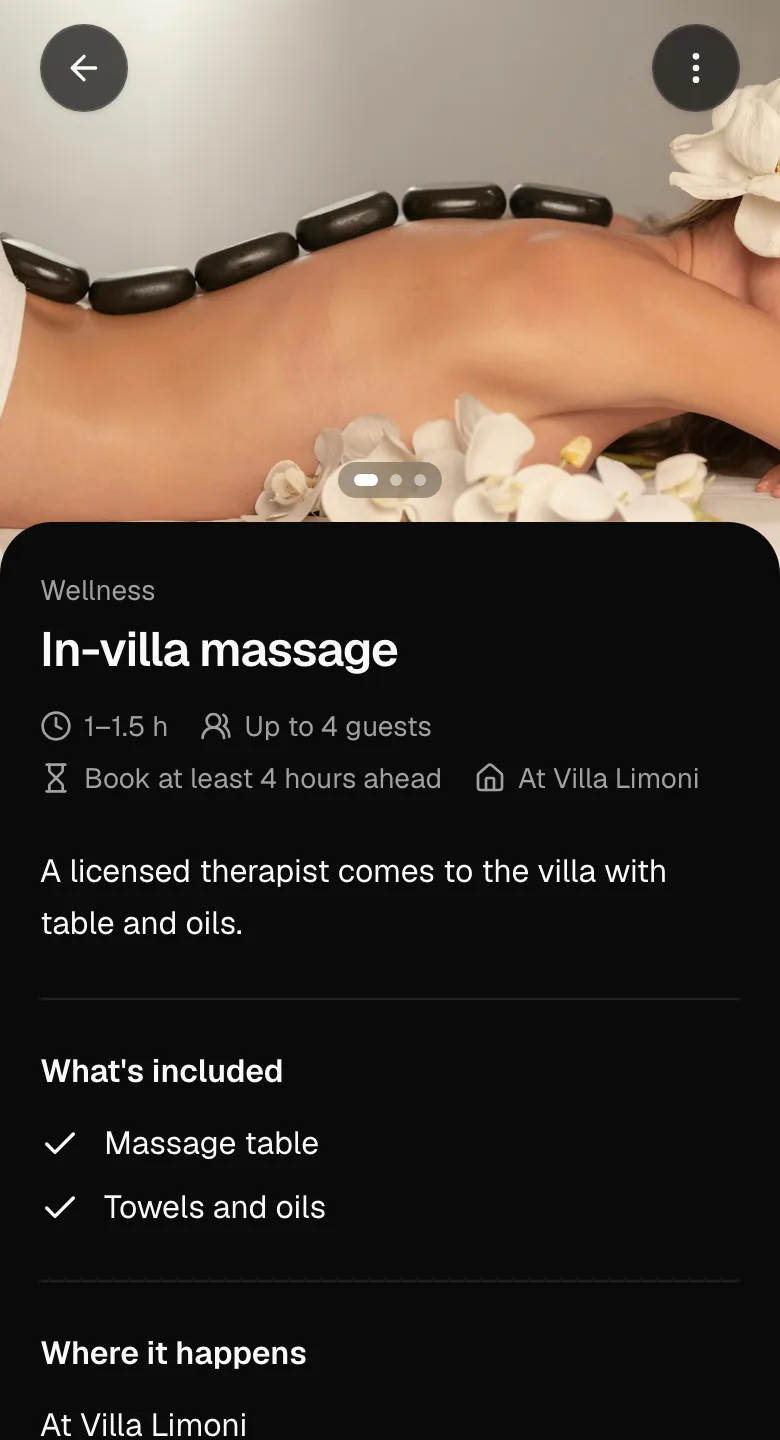
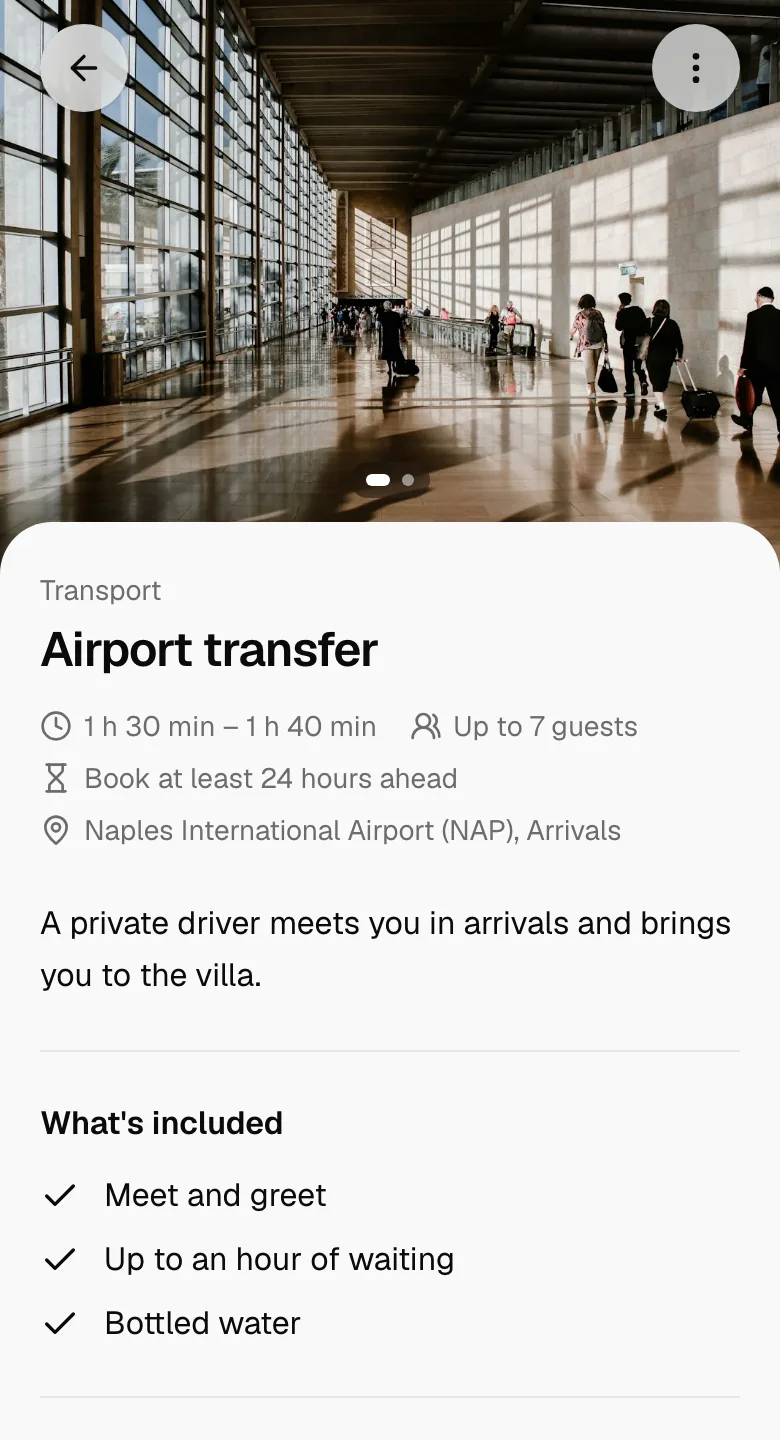
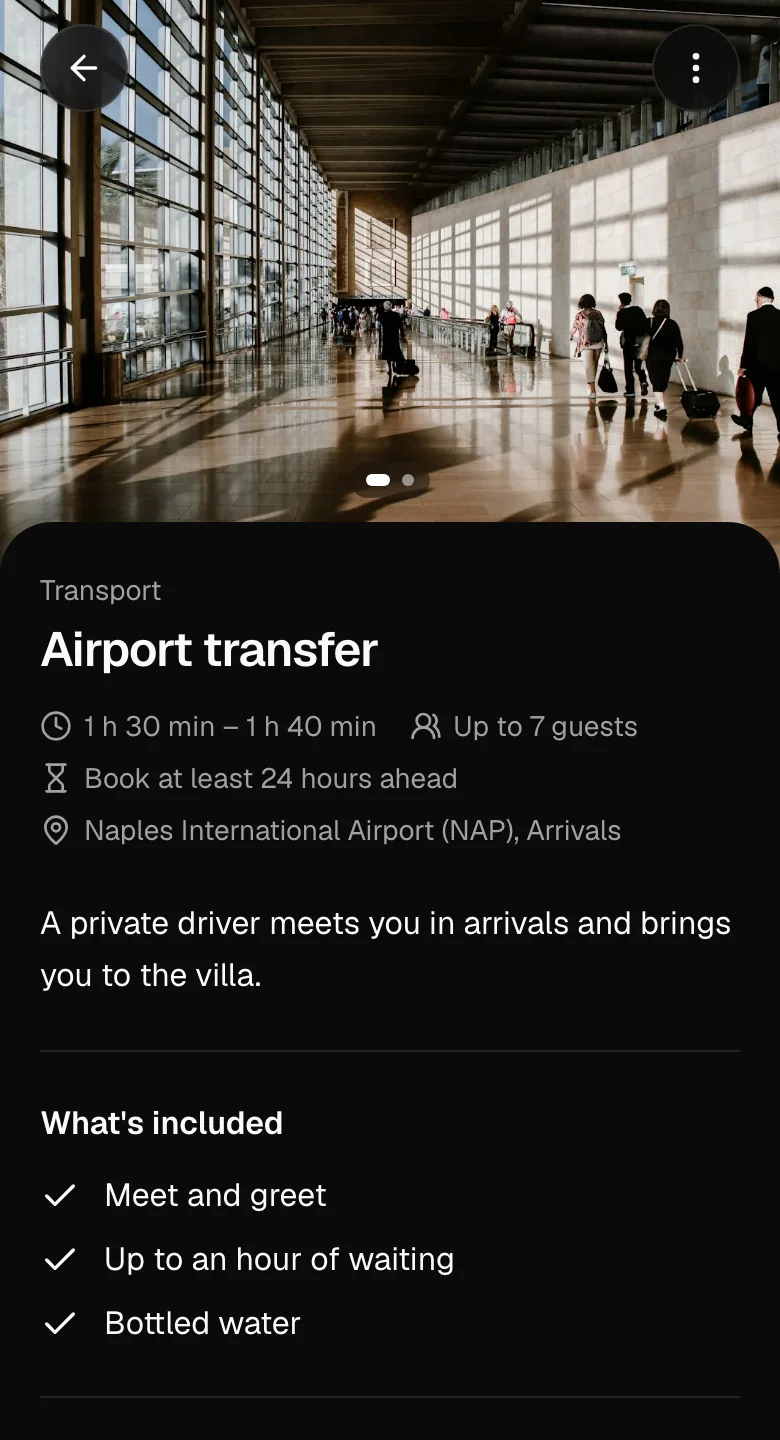
Guests see what’s included, where it happens and how far ahead to ask. They choose the time, how many people and any extras, and see the total before they send.
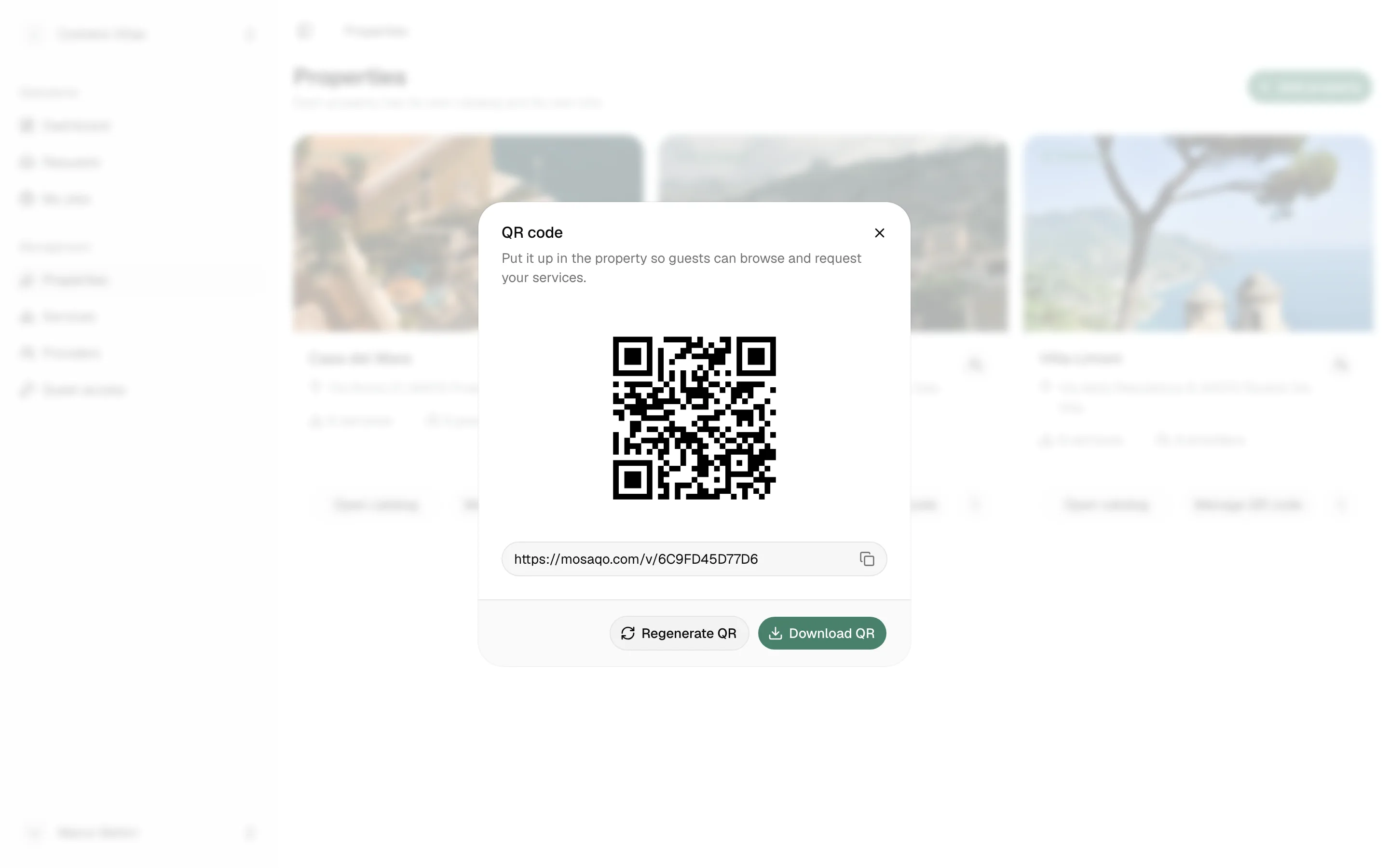
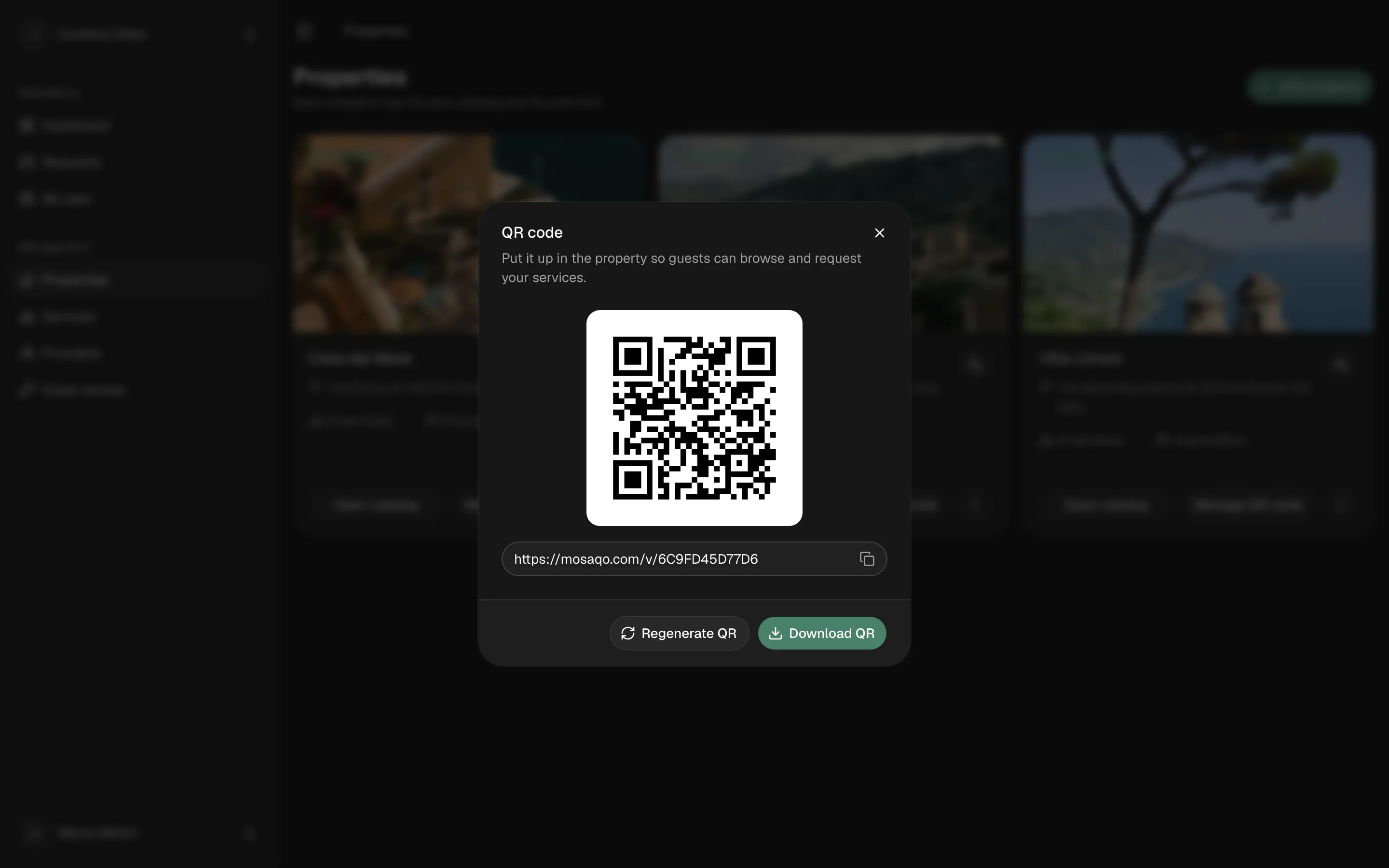
A QR code for every property
Print the code and put it in the property. Guests scan it to browse, and confirm their email with a one-time code to request.
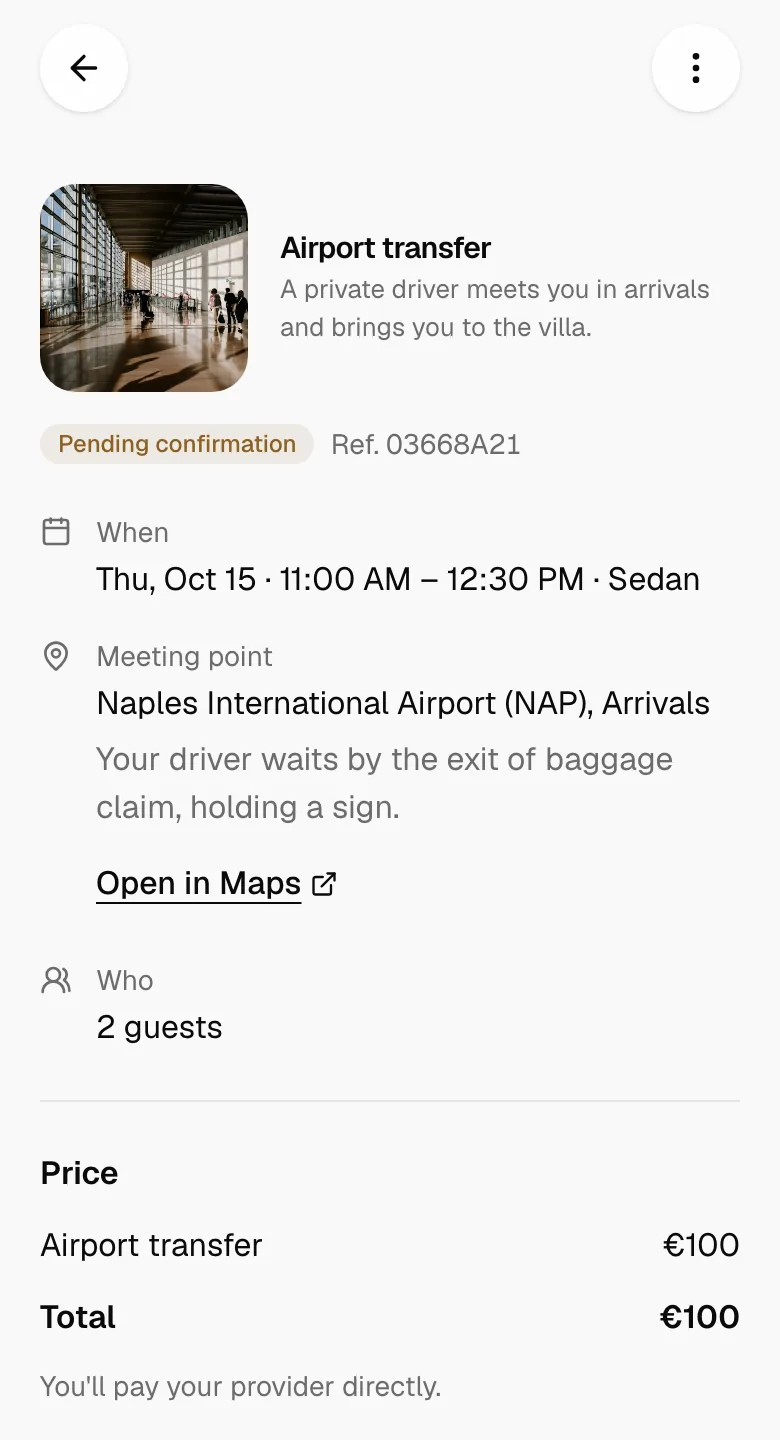
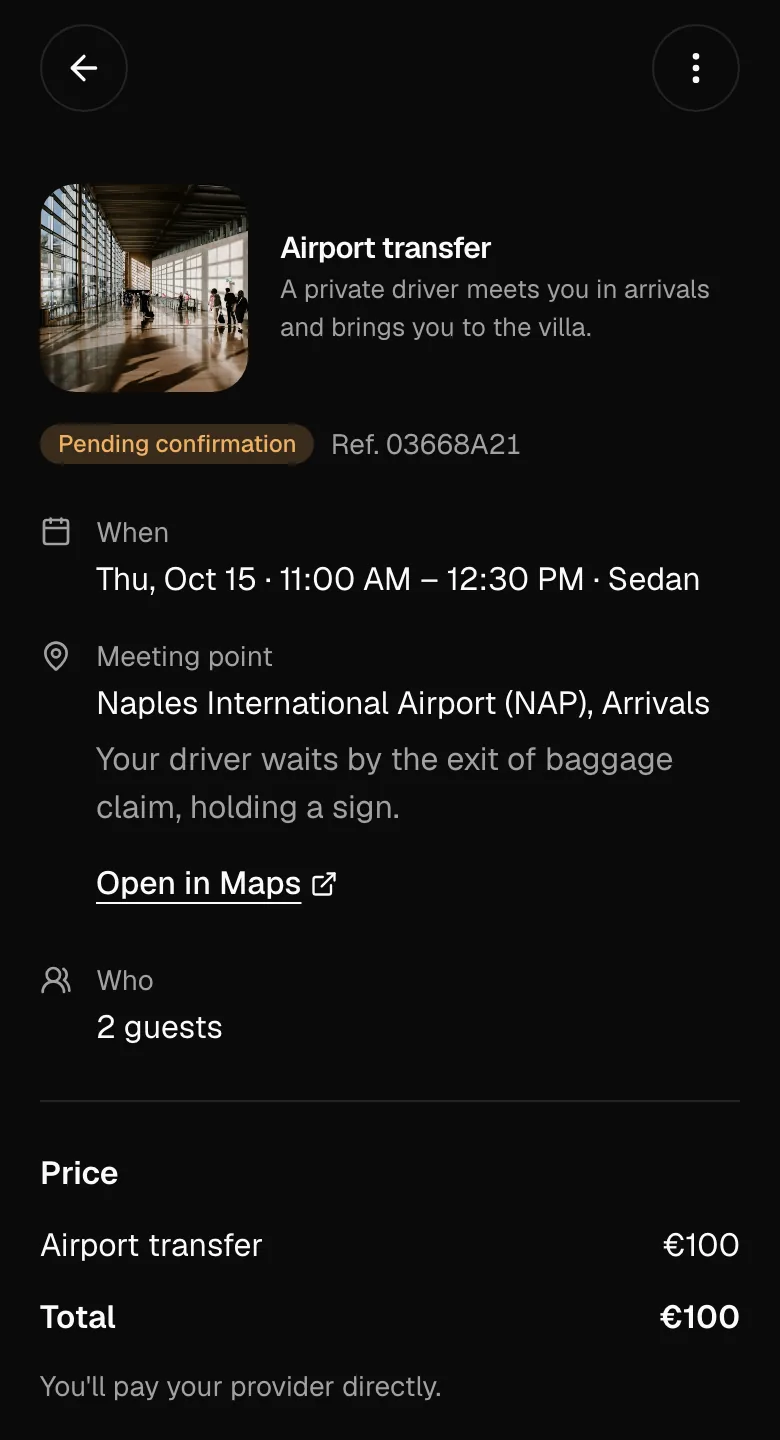
They always know where it stands
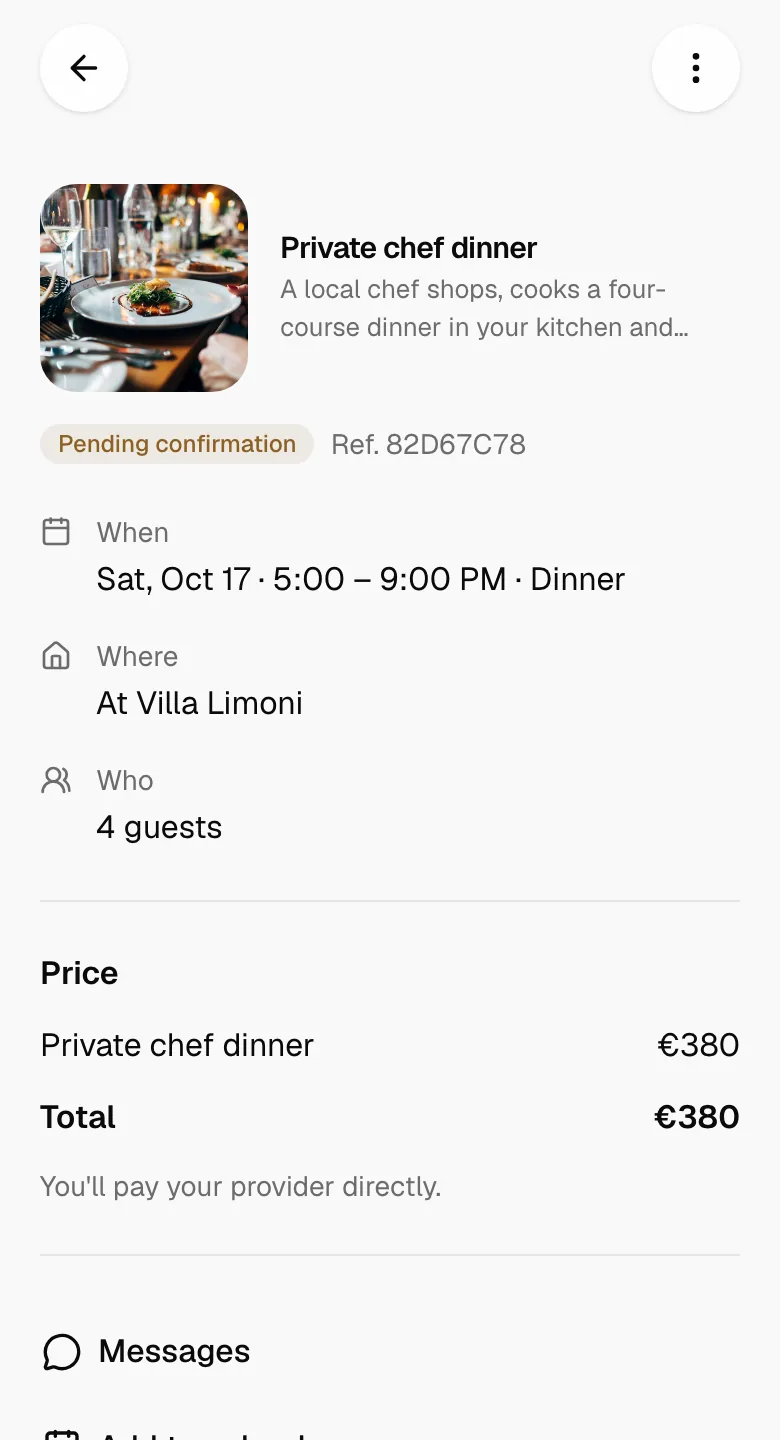
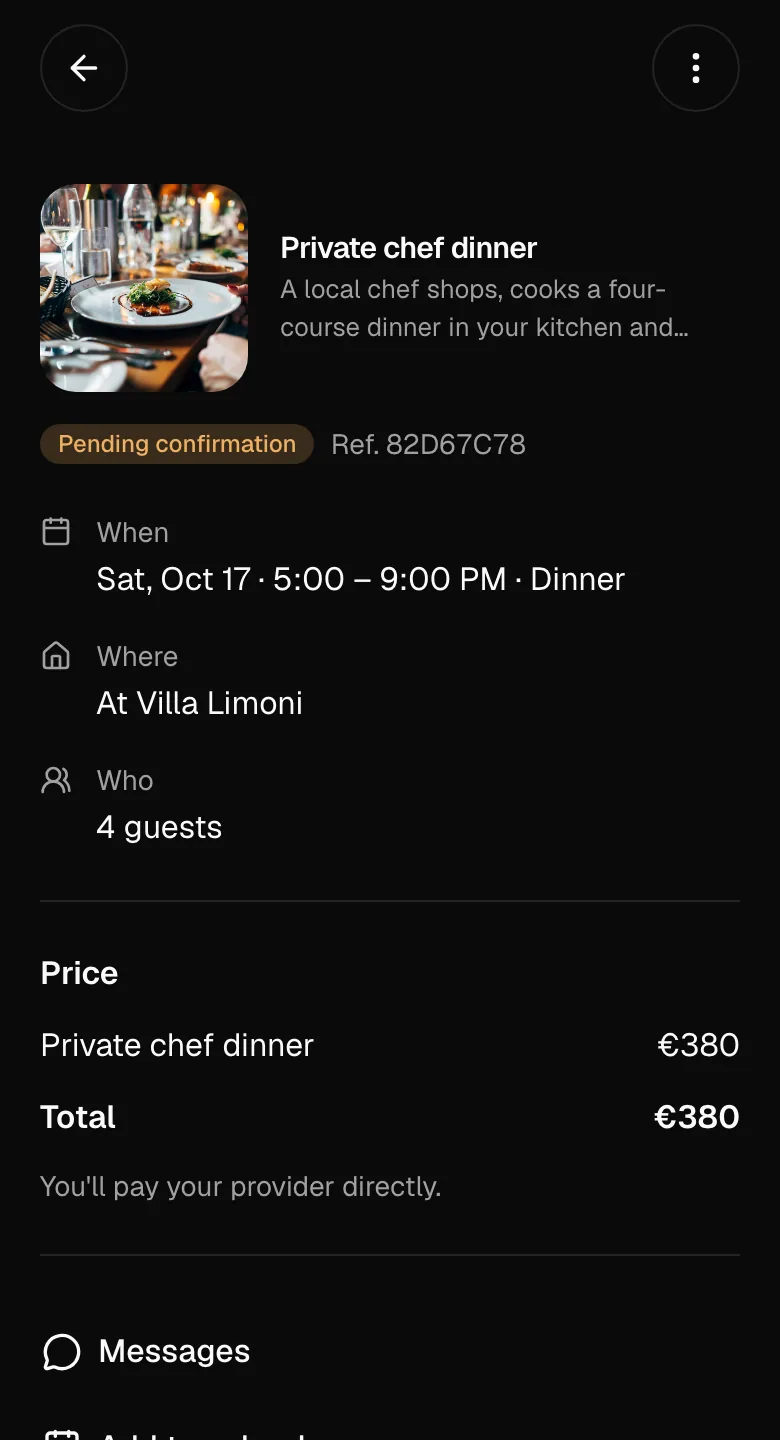
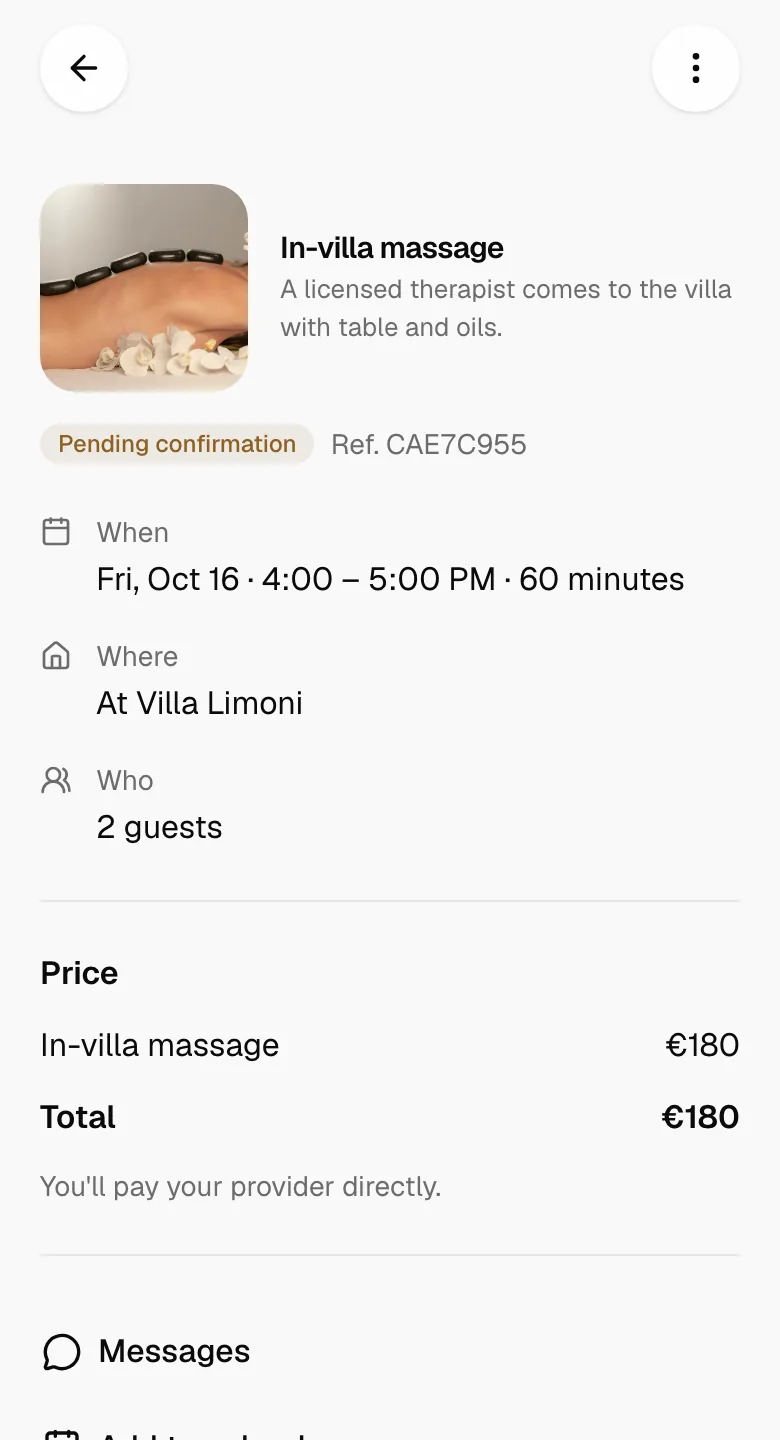
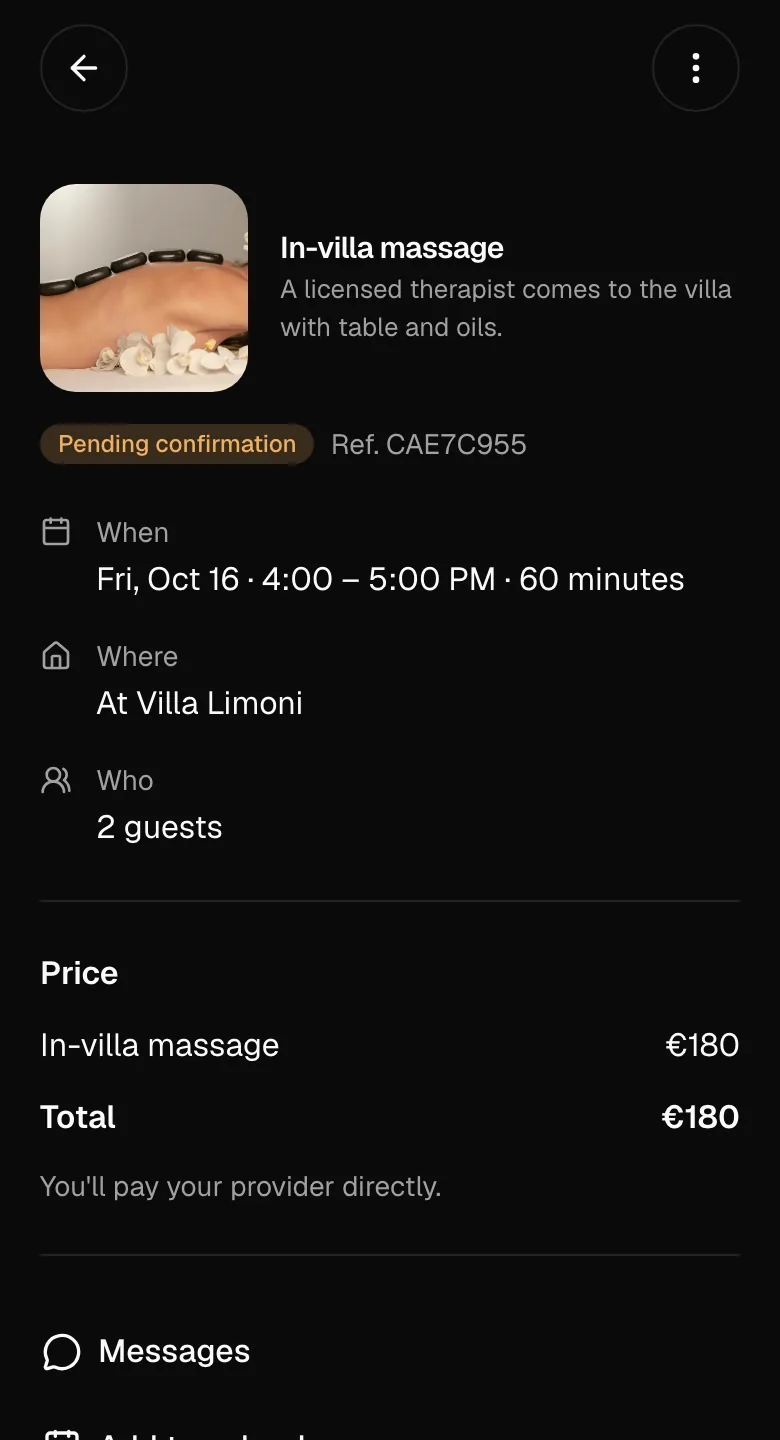
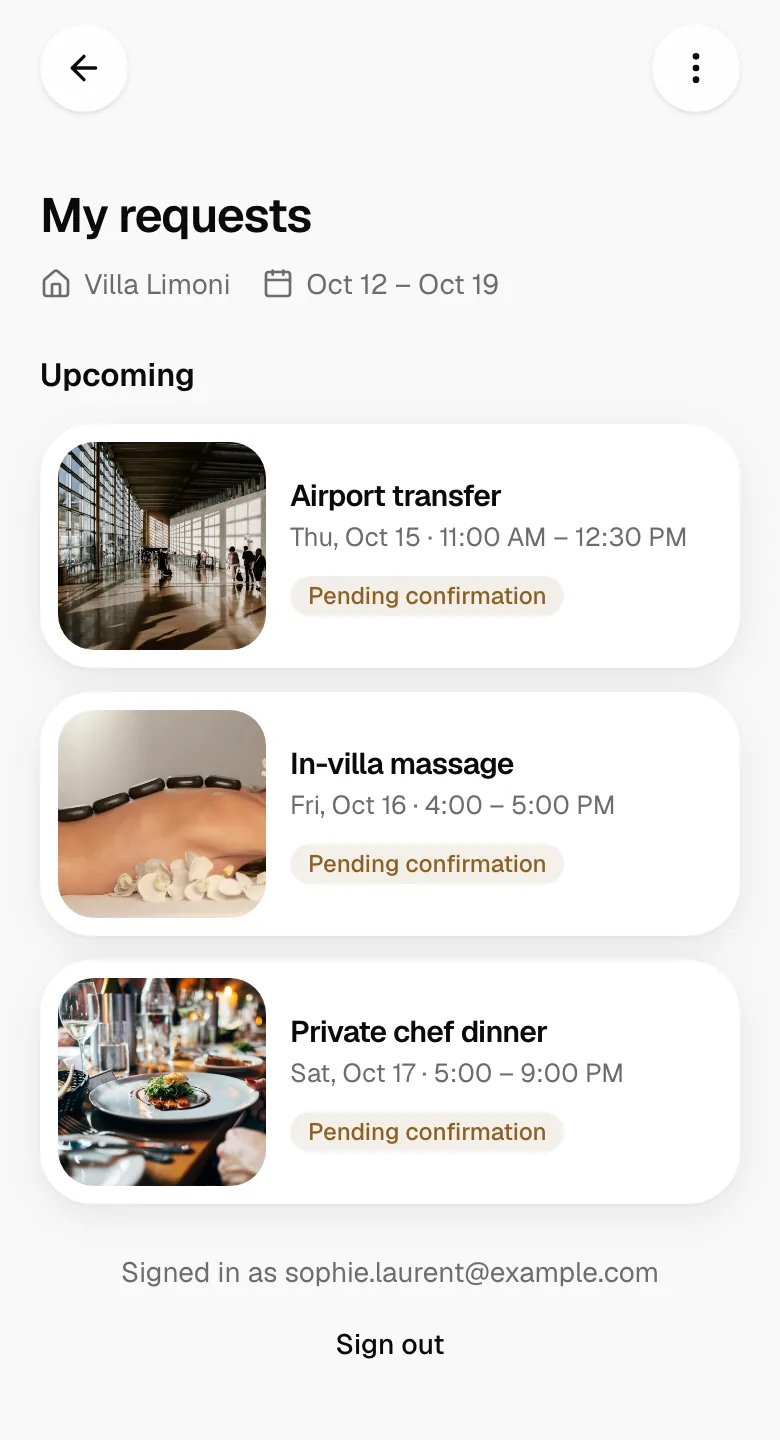
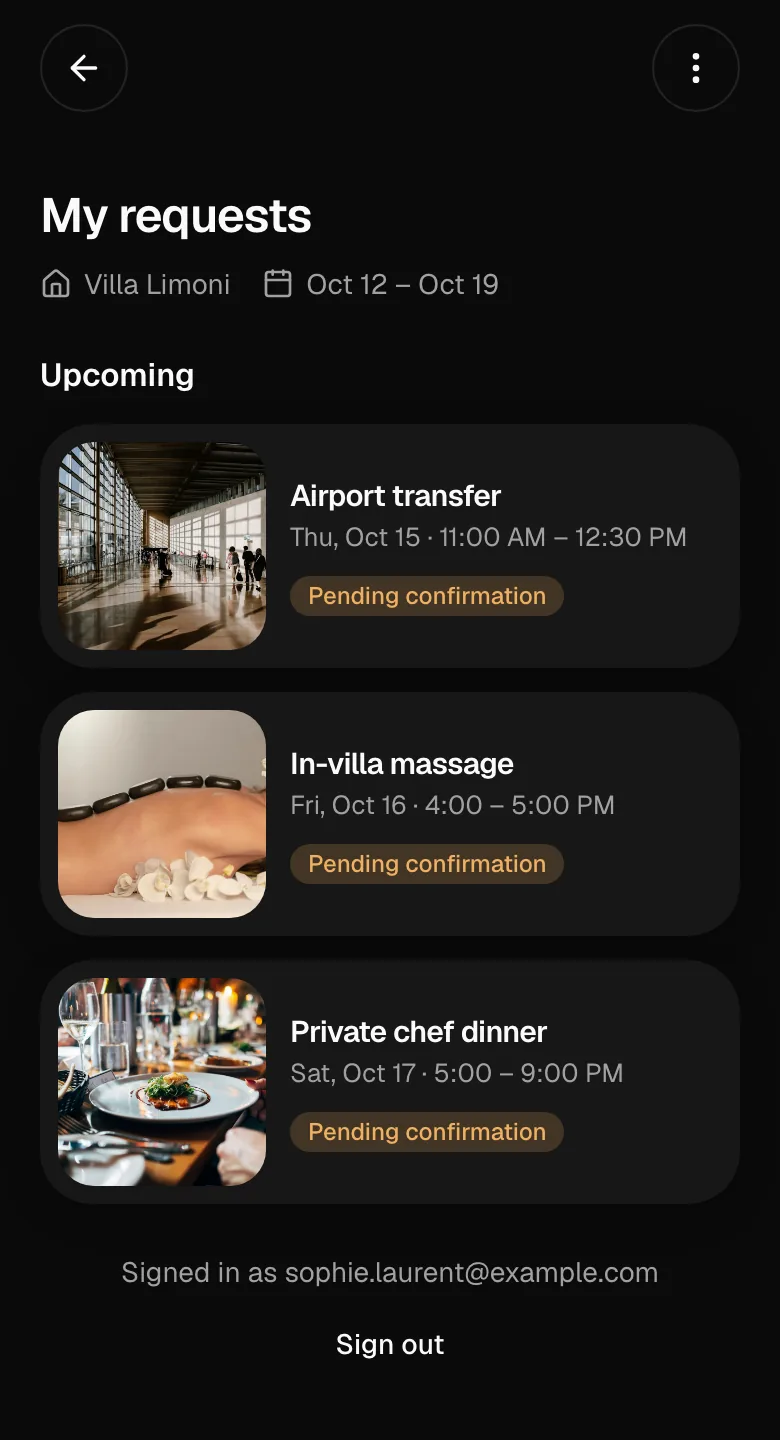
Each request has its own page: what they asked for, what it costs, whether it’s confirmed, and a chat with your team.
Small things guests notice
No app, no password
Guests confirm their email with a one-time code. Nothing to install or remember.
A private line to you
Next to the shared chat, guests can message your team privately.
Cancel from their phone
Until a provider is assigned, a guest can cancel a request right from its page.
Who they’re booking with
Your business details show on the catalog and when they request.
Thu 5:00 PM · 4 guests
Thu 5:00 PM · 4 guests
Sat 7:30 PM · 4 guests
Sat 7:30 PM · 4 guests
Sun 9:00 AM · 6 guests
Sun 9:00 AM · 6 guests
Sat 7:00 PM · 2 kids
Sat 7:00 PM · 2 kids
Today before 3 PM
Today before 3 PM
Fri 11:05 AM · 2 guests
Fri 11:05 AM · 2 guests
Sat 8:30 PM · Included
Sat 8:30 PM · Included
Sun · until 2 PM
Sun · until 2 PM
Turn every request into a confirmed booking
Turn every request
into a Get early access confirmed booking